
No templates match that.
Start from what you are making
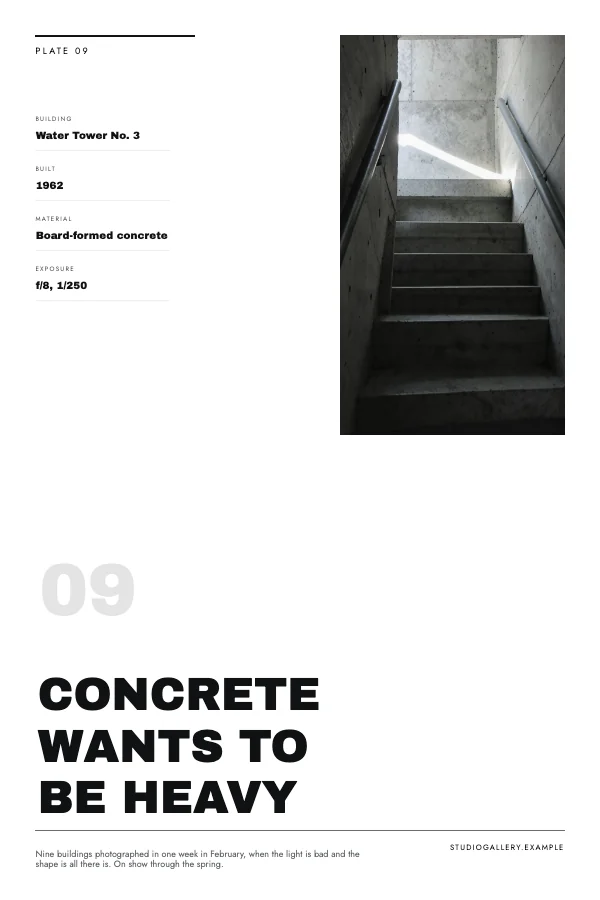
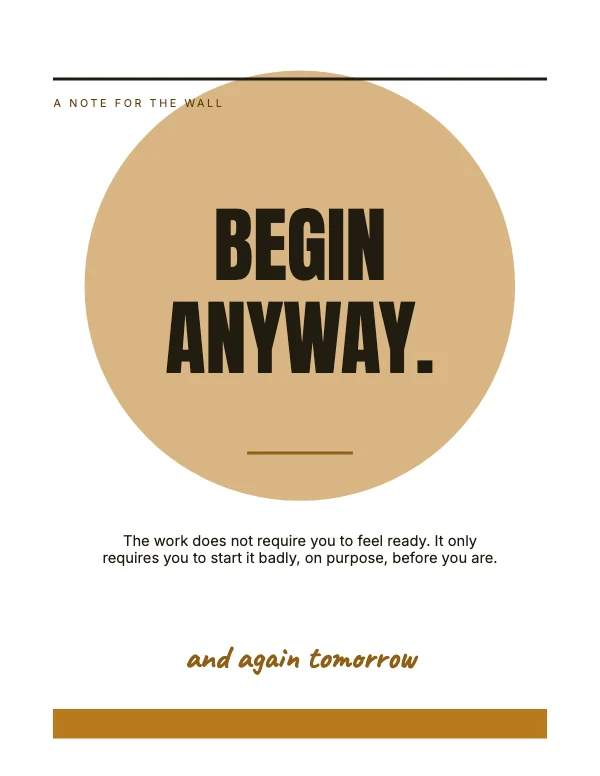
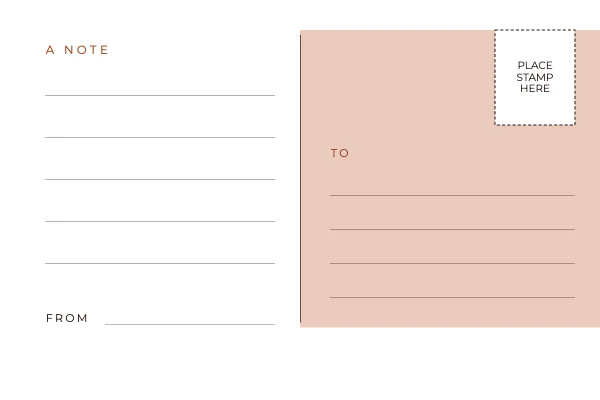
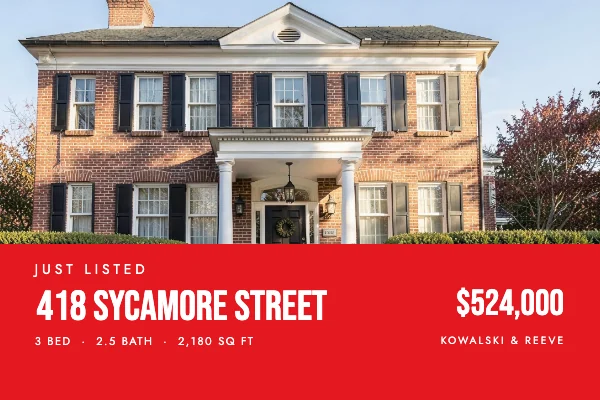
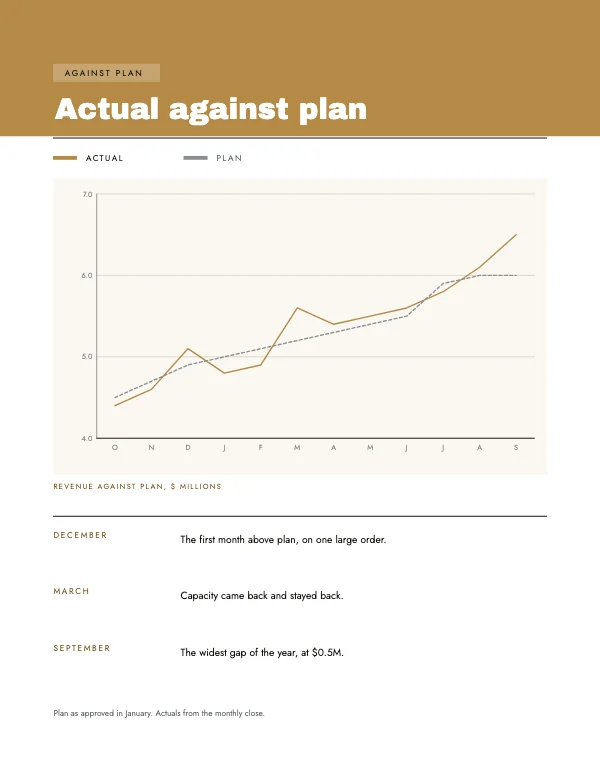
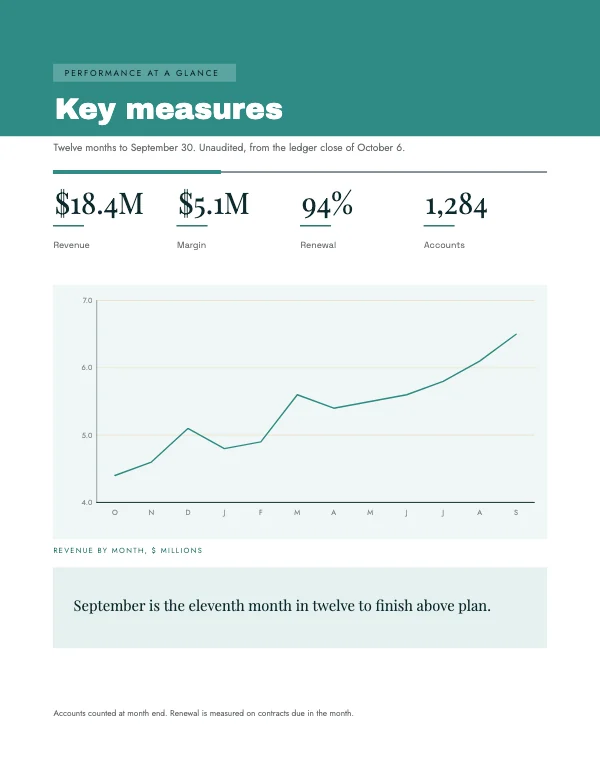
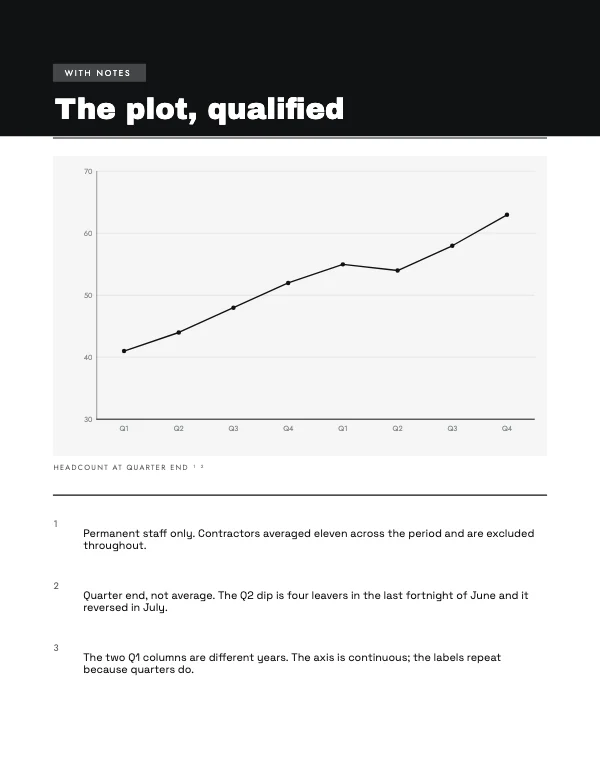
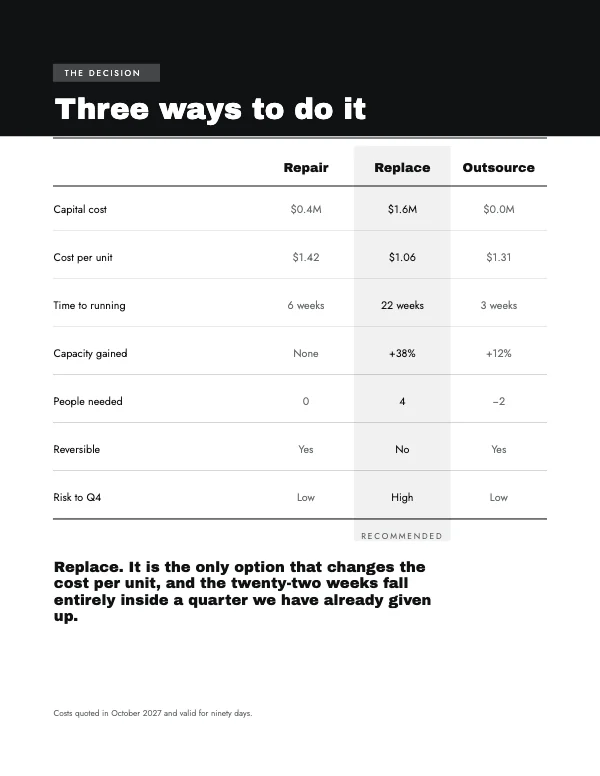
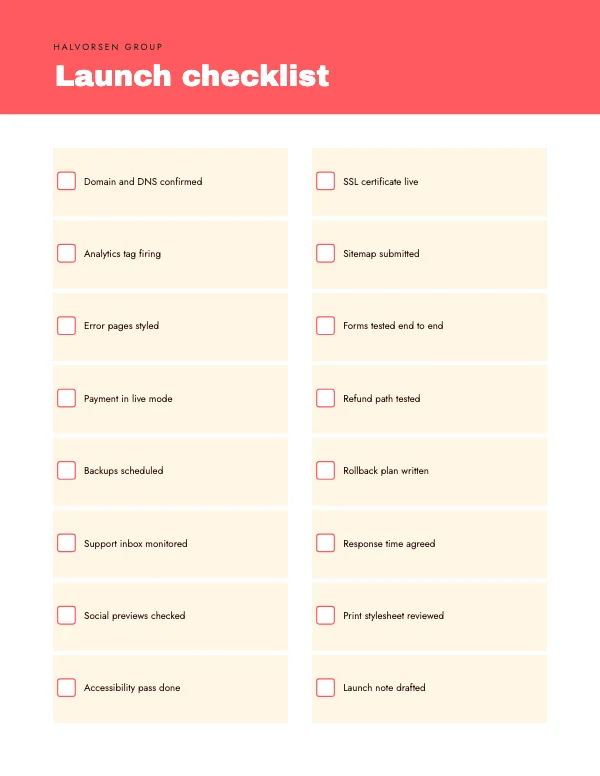
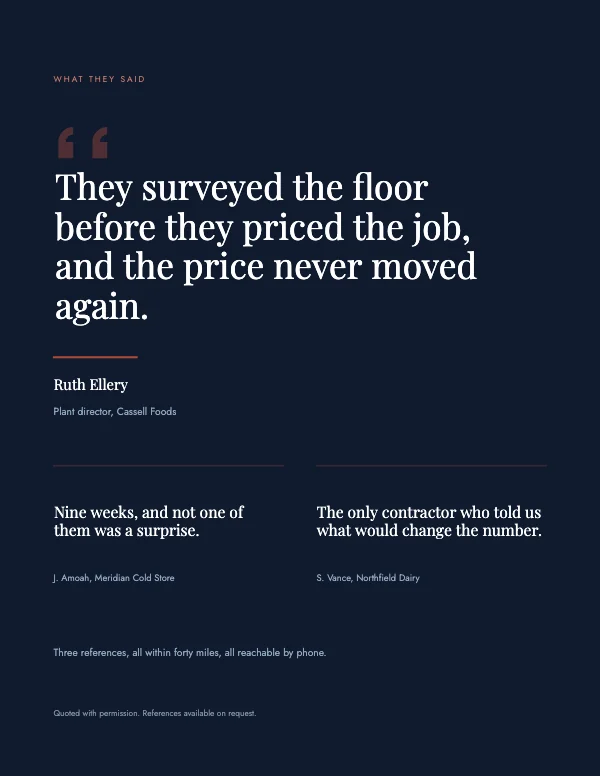
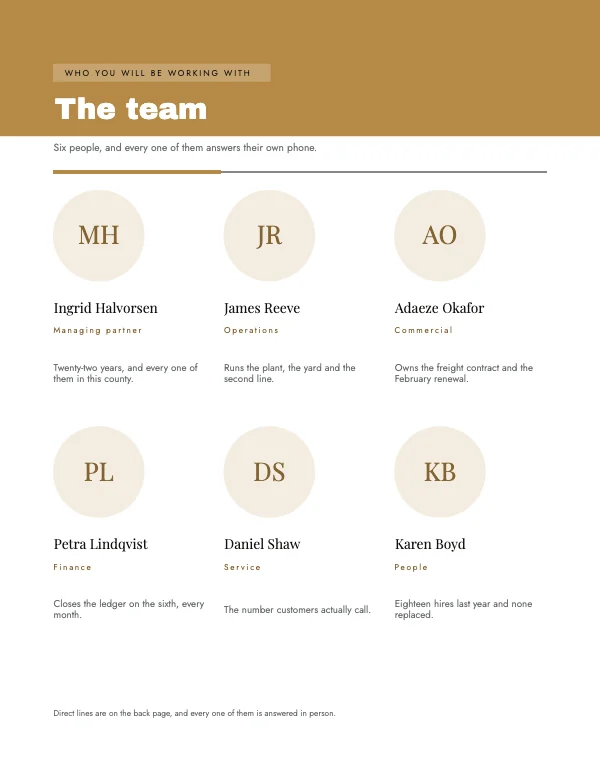
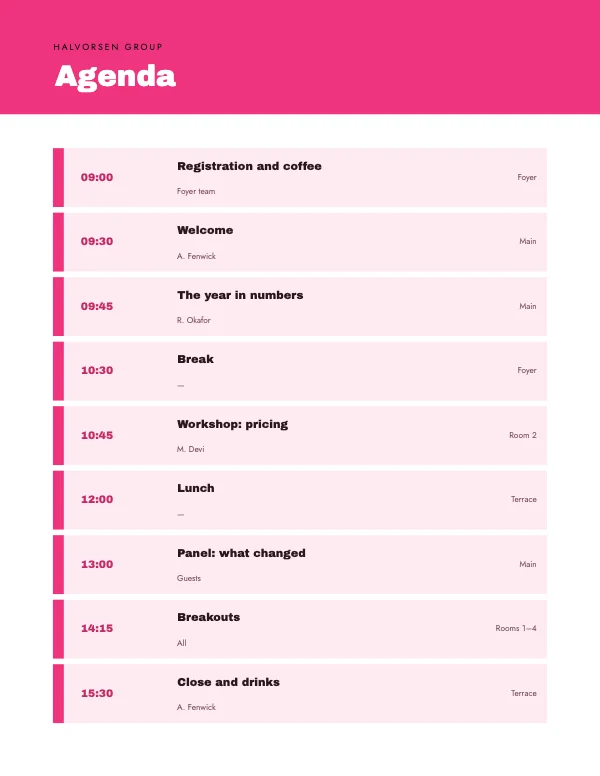

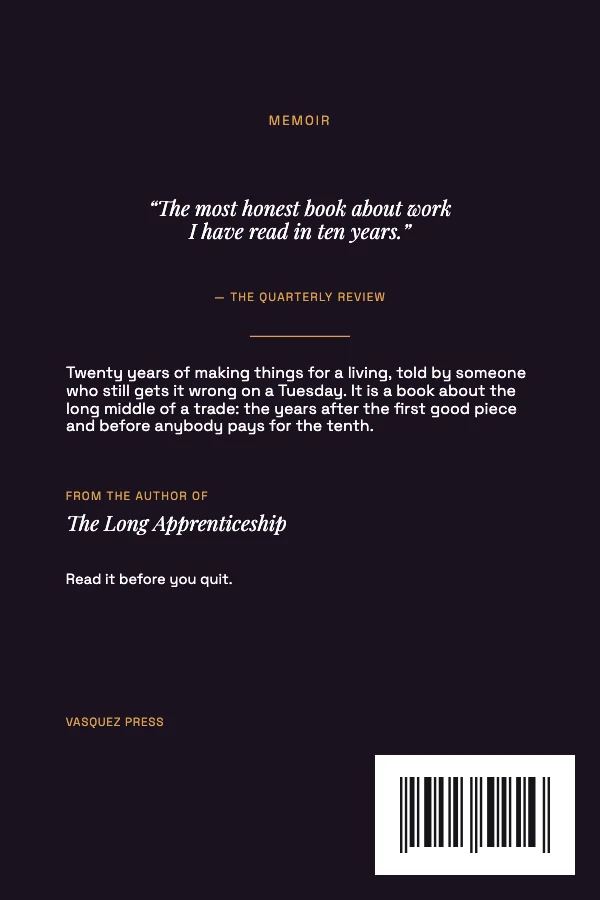
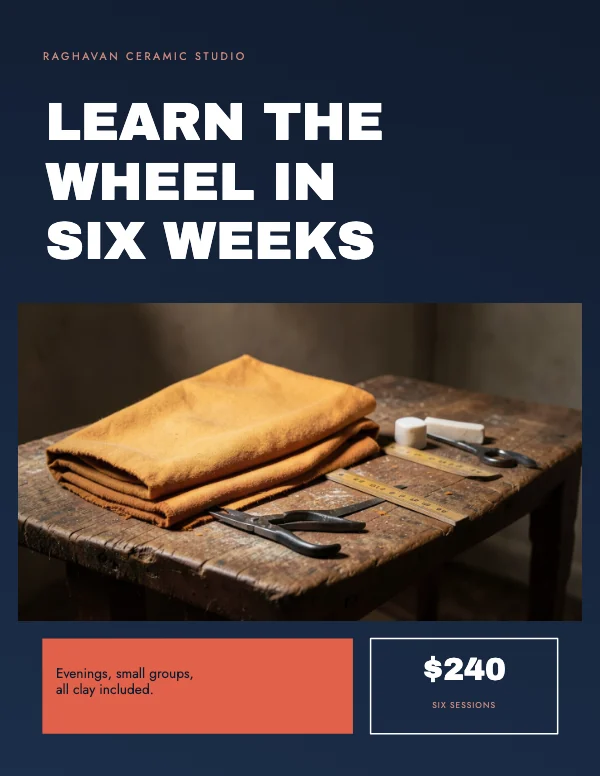
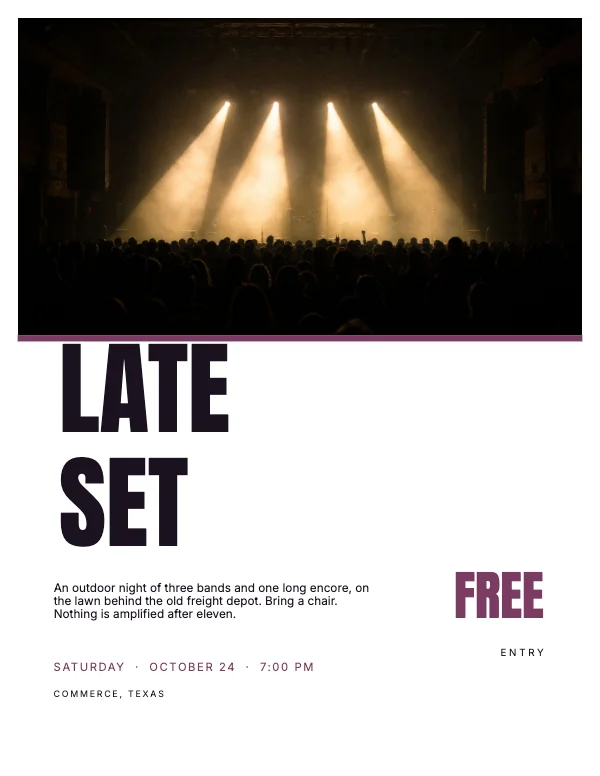
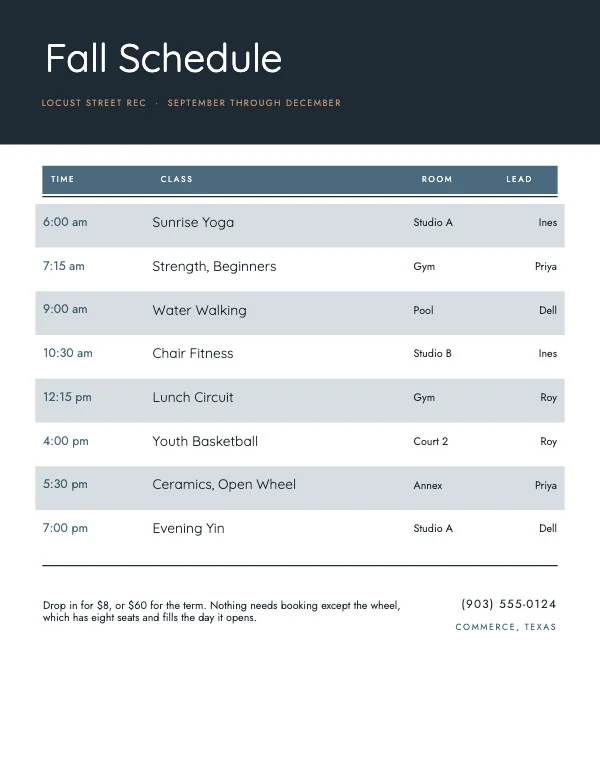
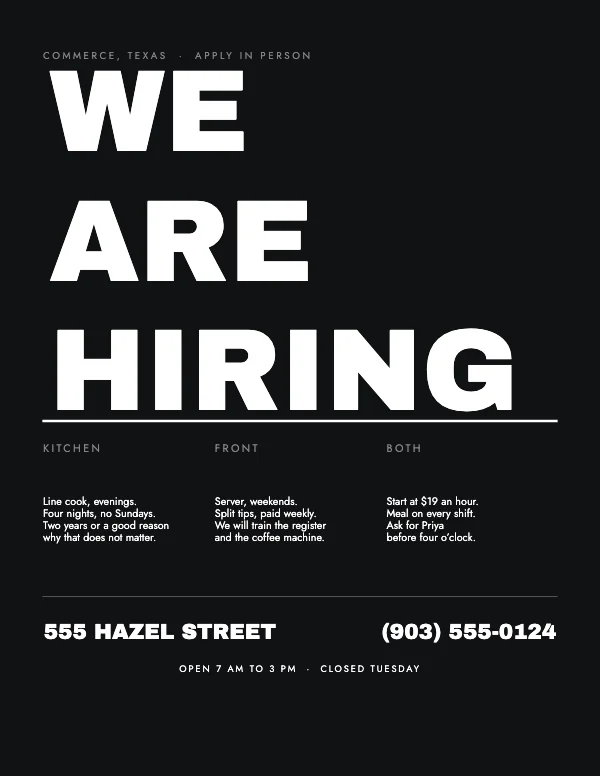
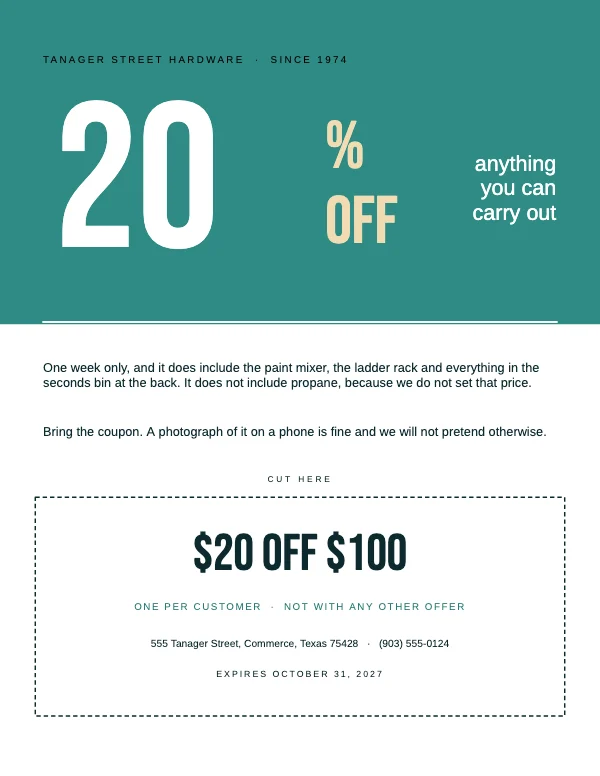
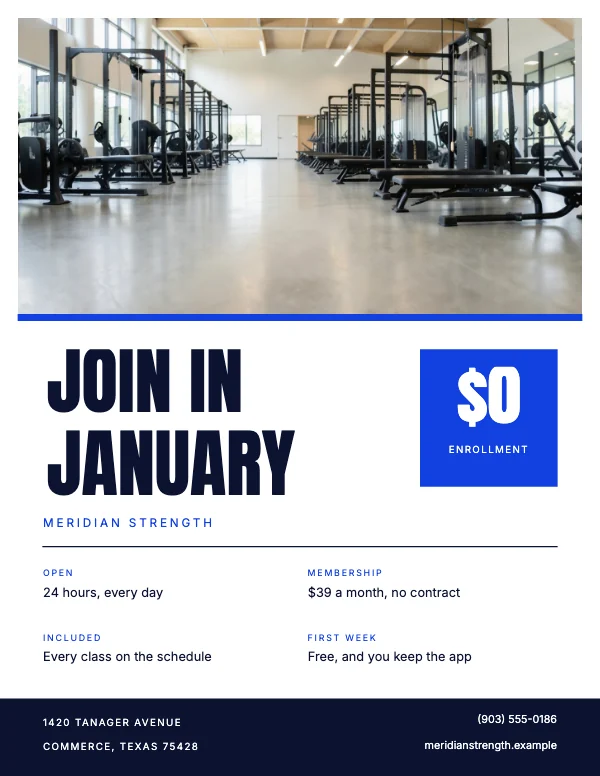
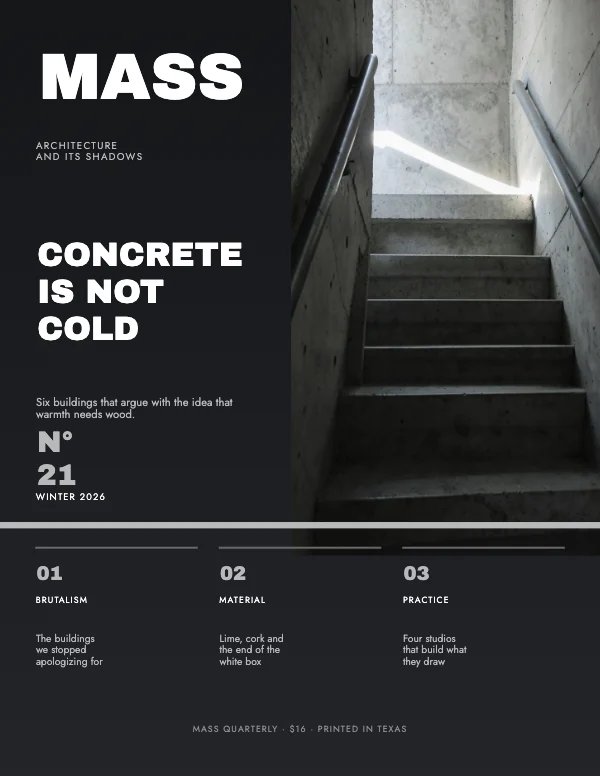
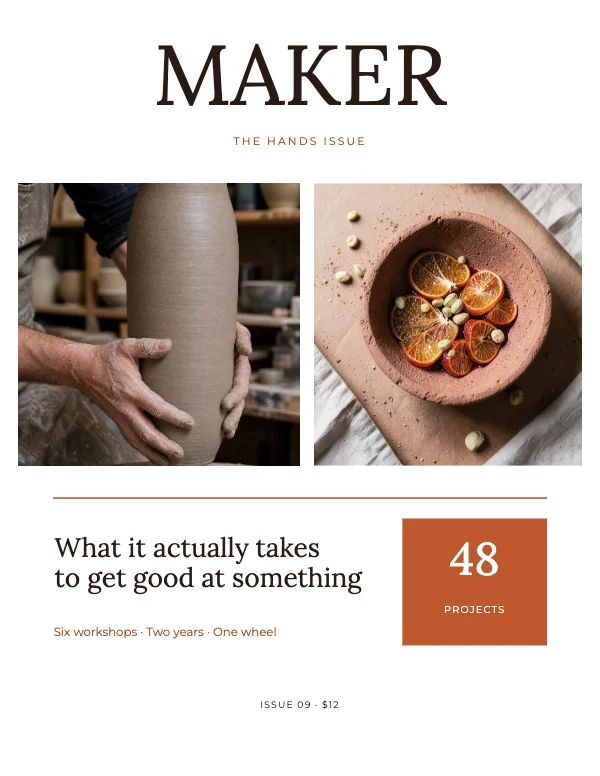
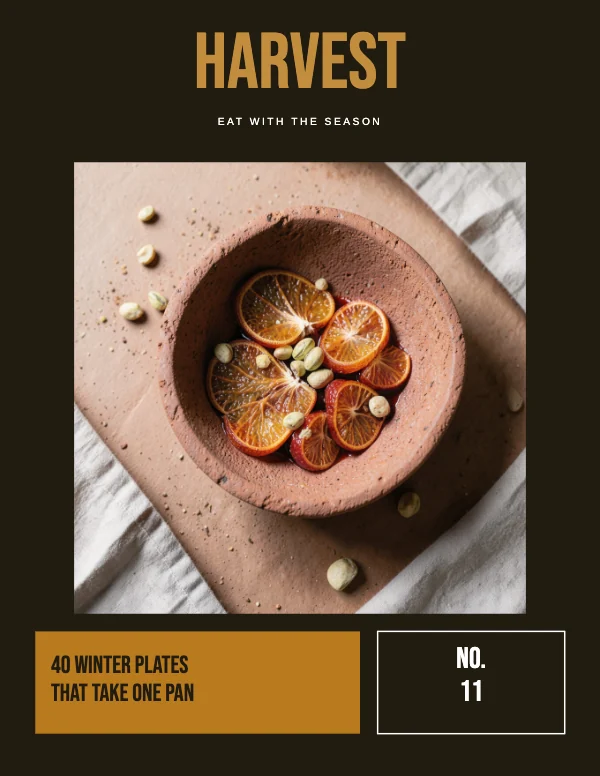
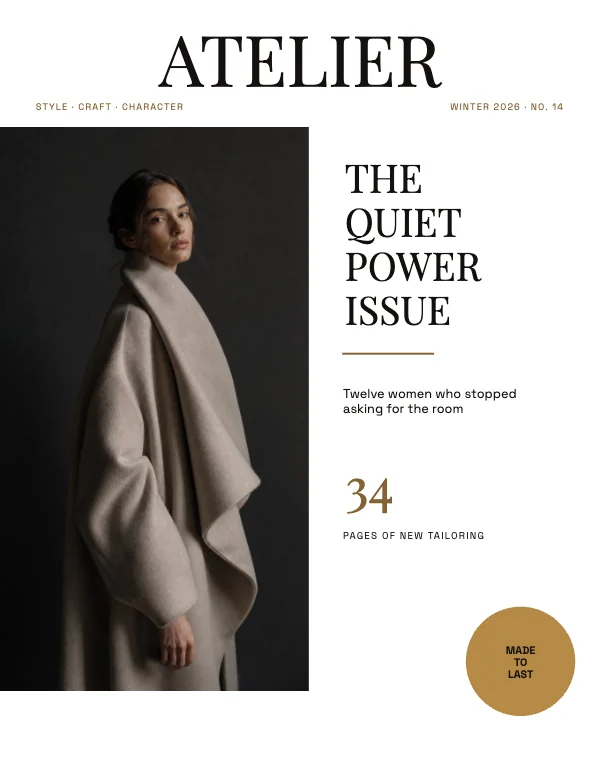

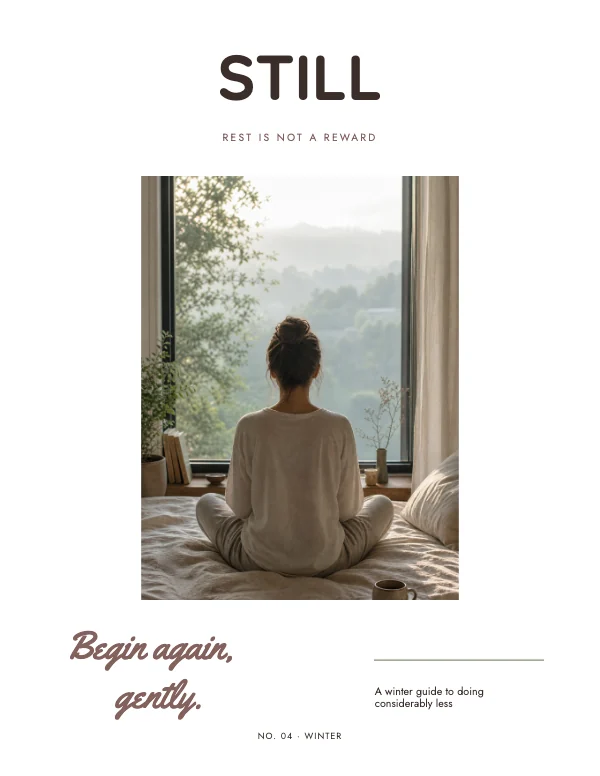

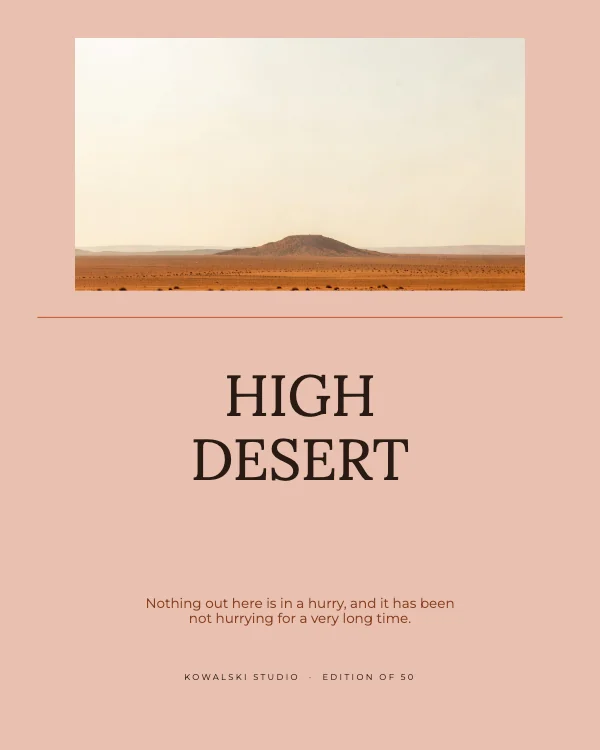
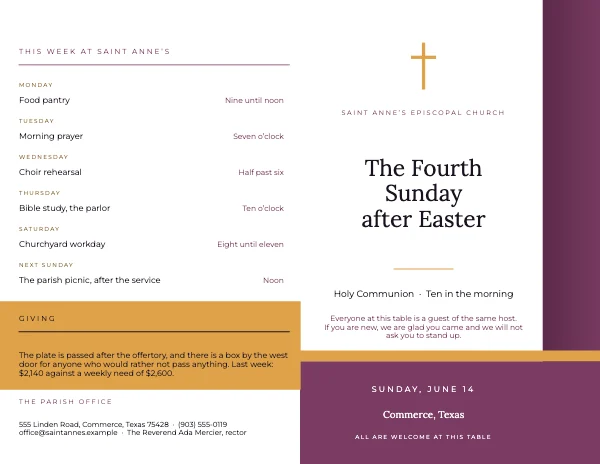
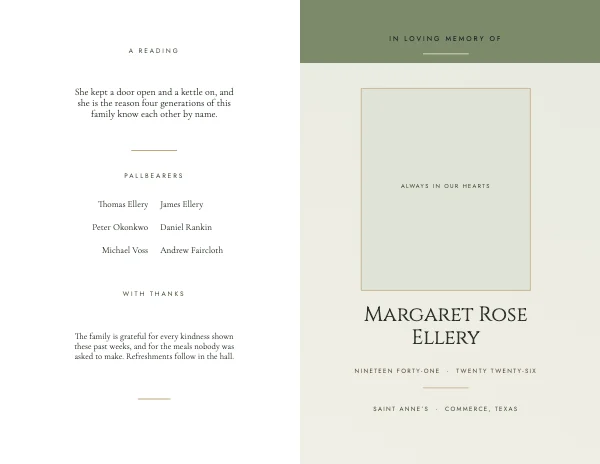
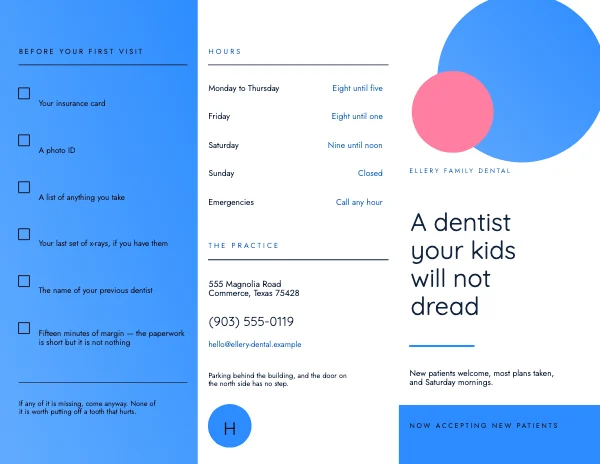
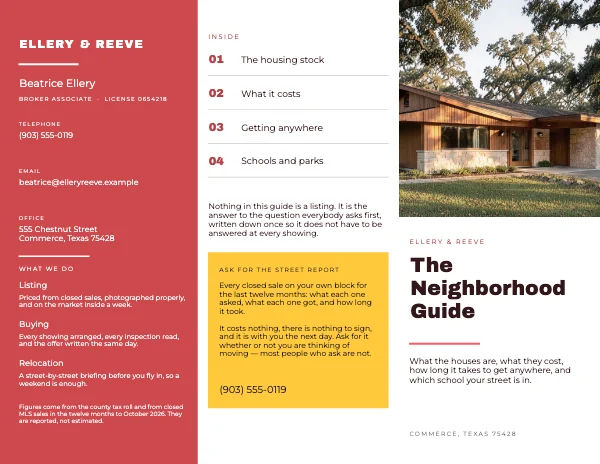

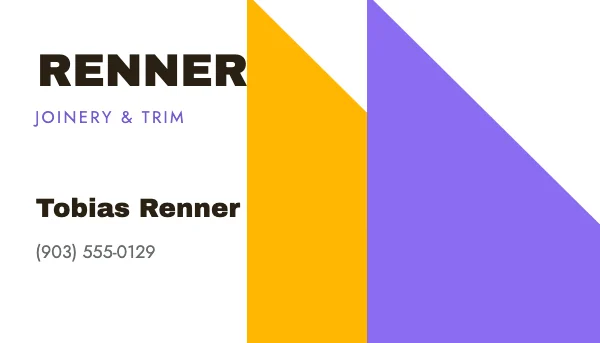
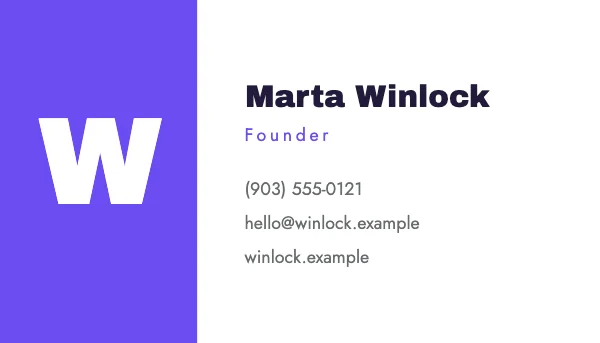
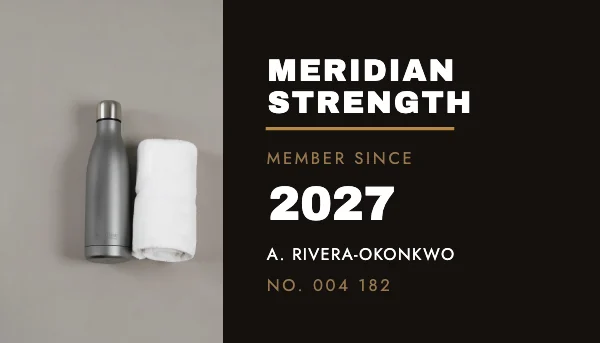
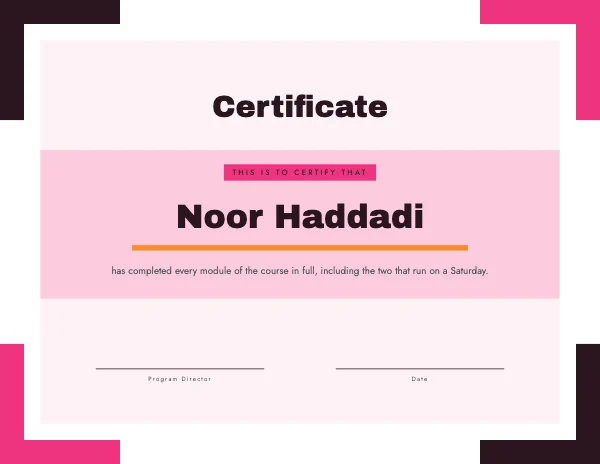
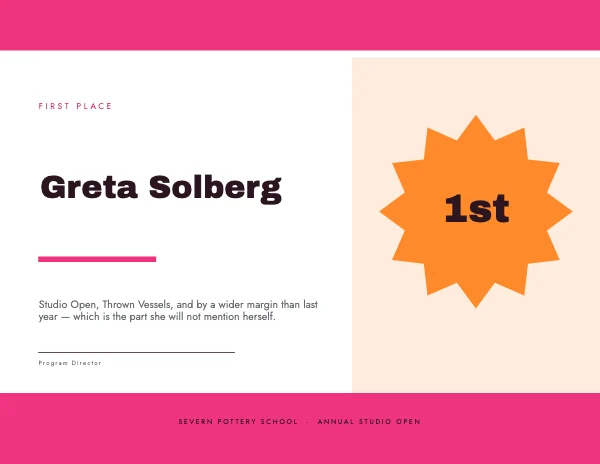
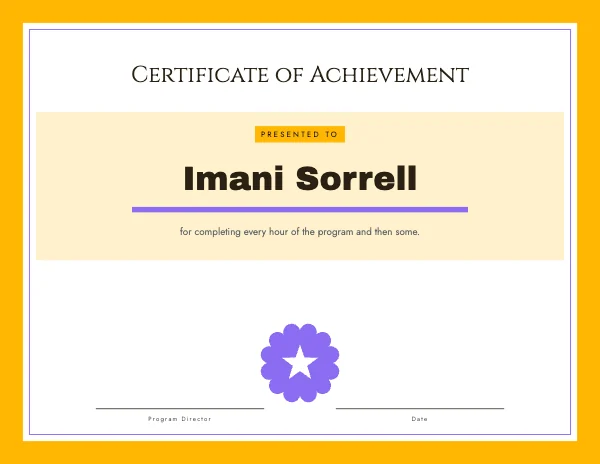
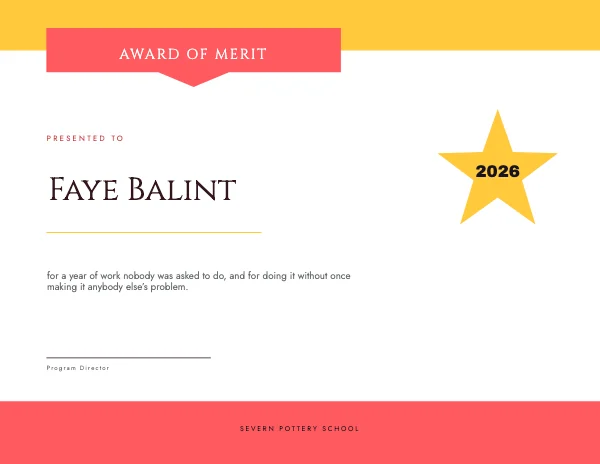
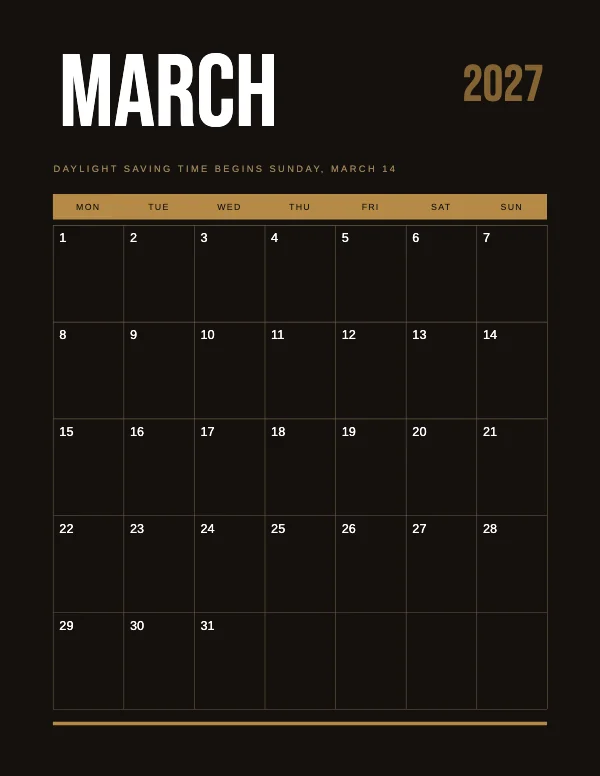
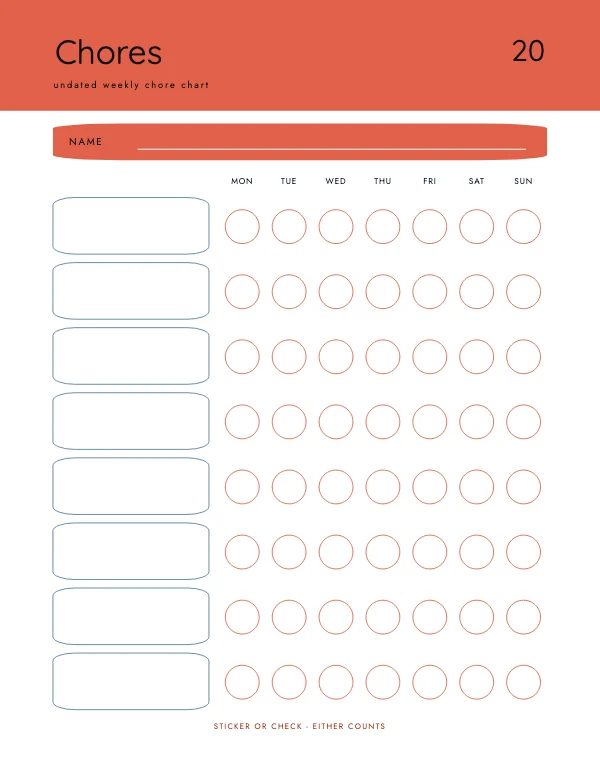
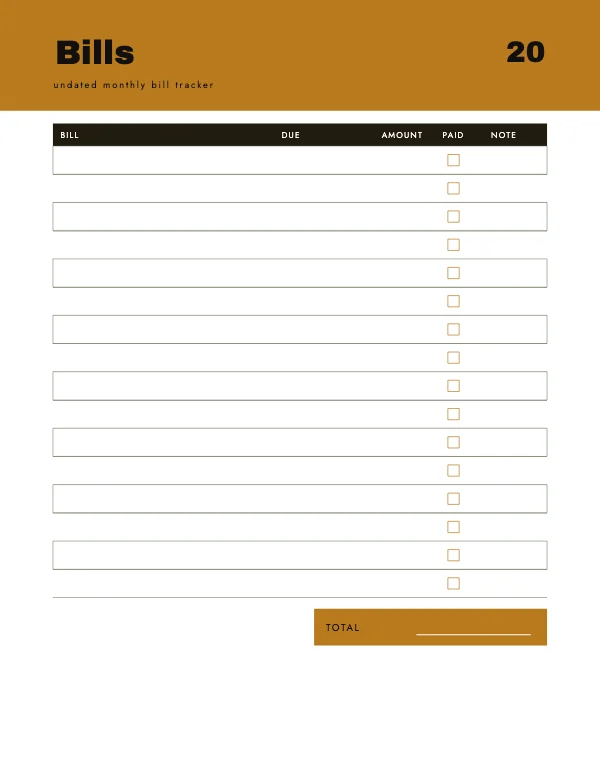
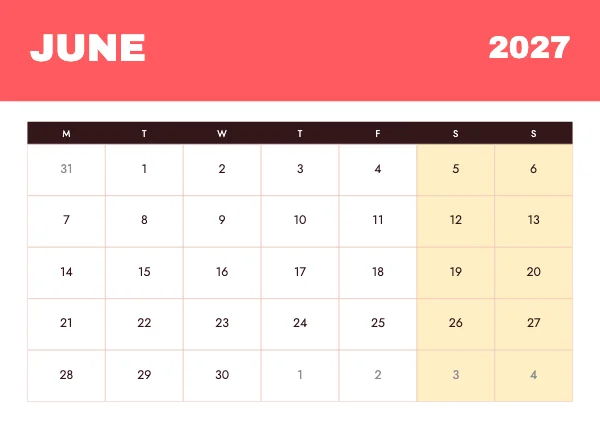
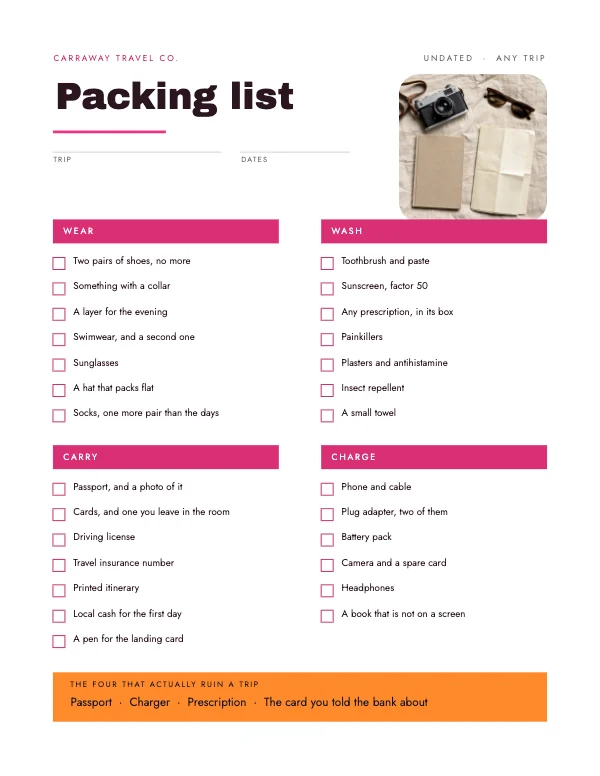
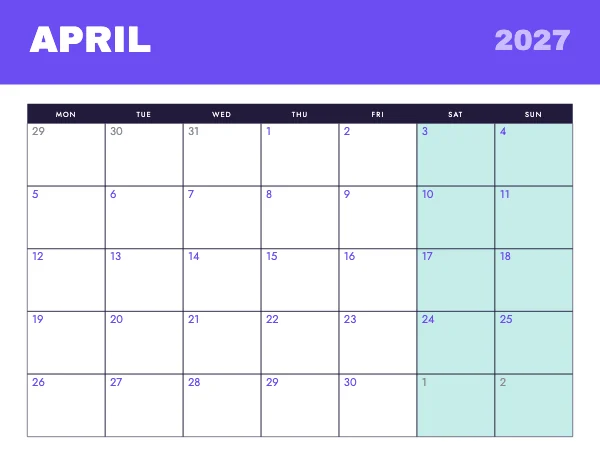
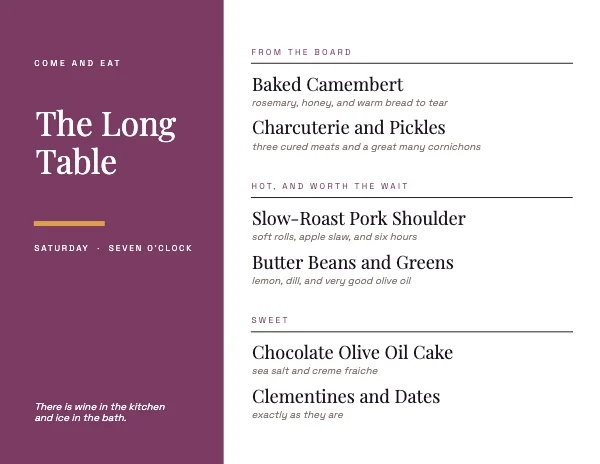
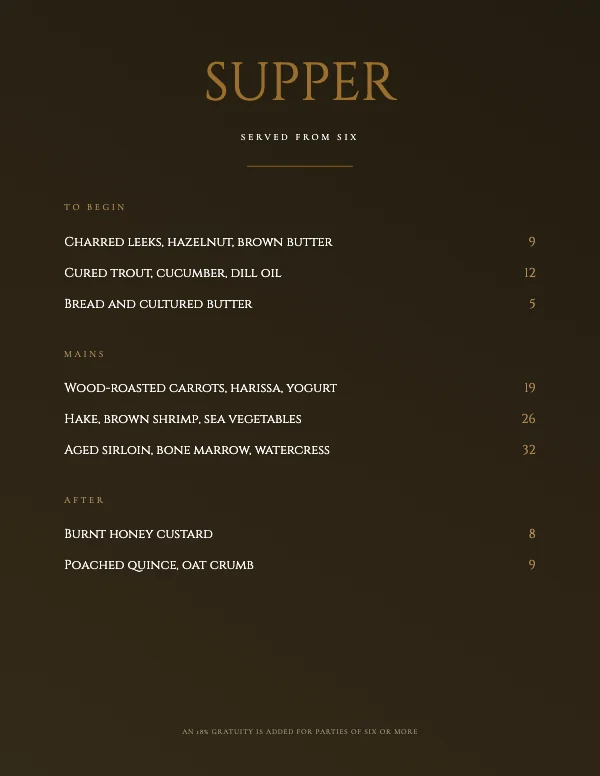
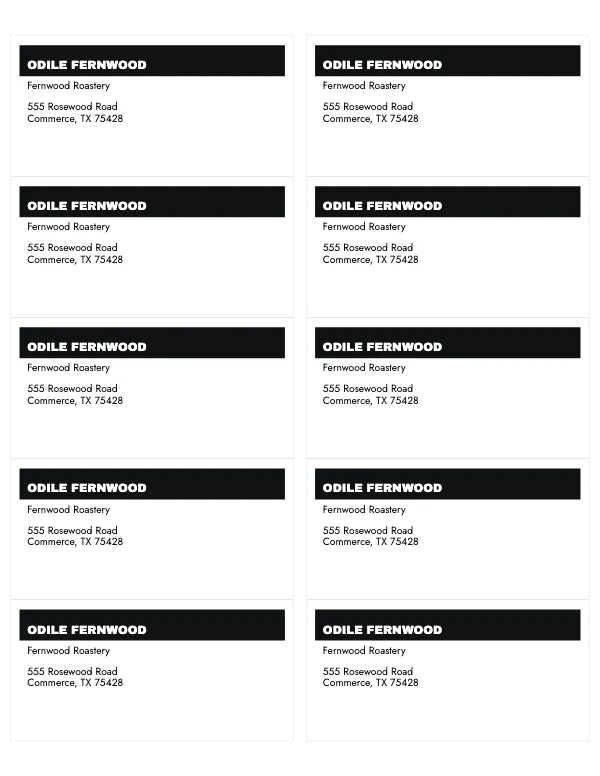
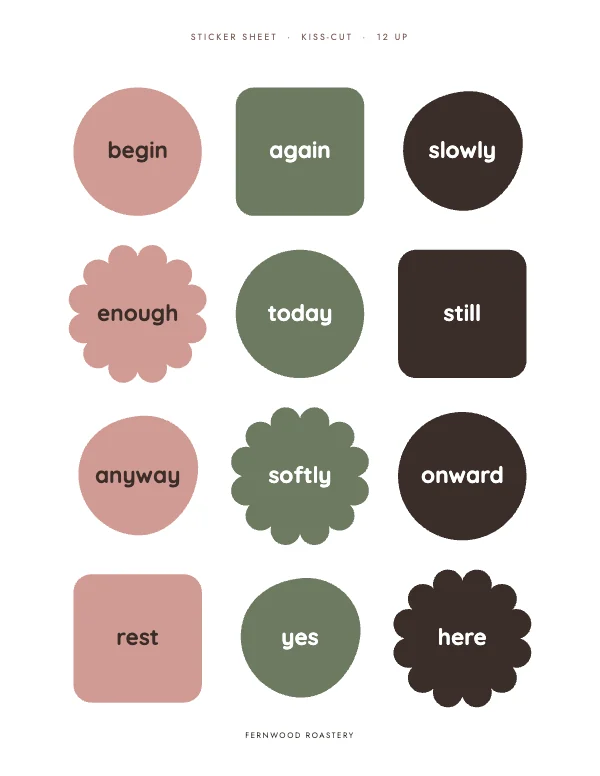
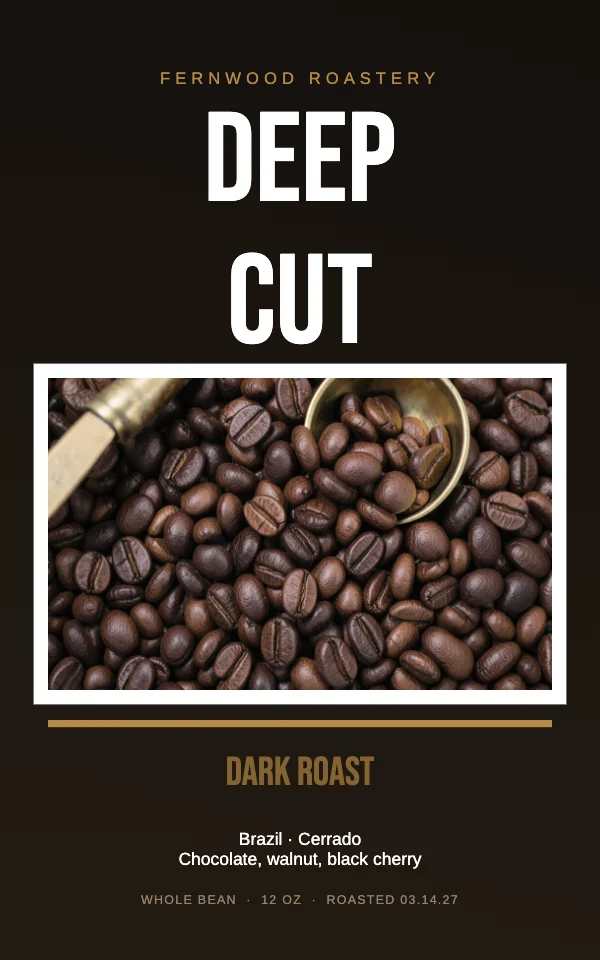
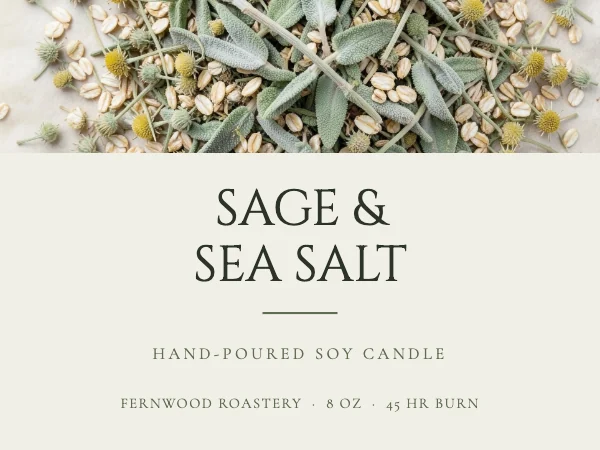

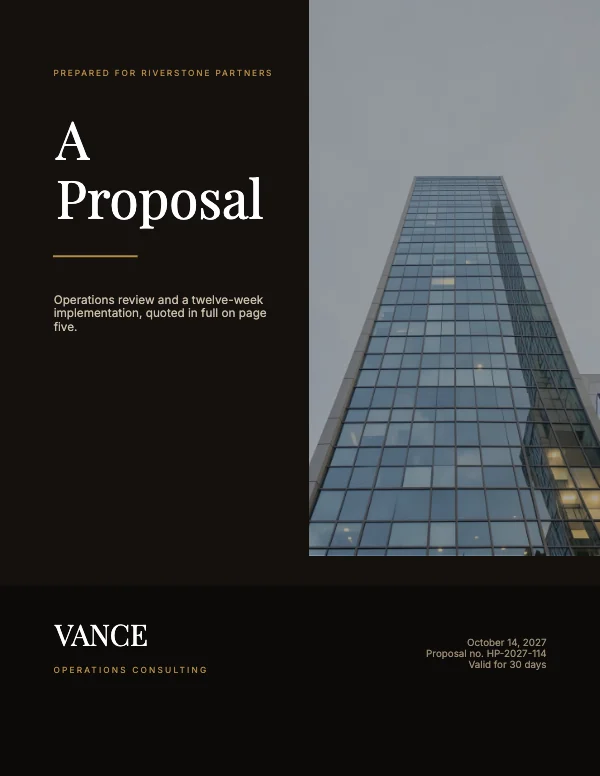
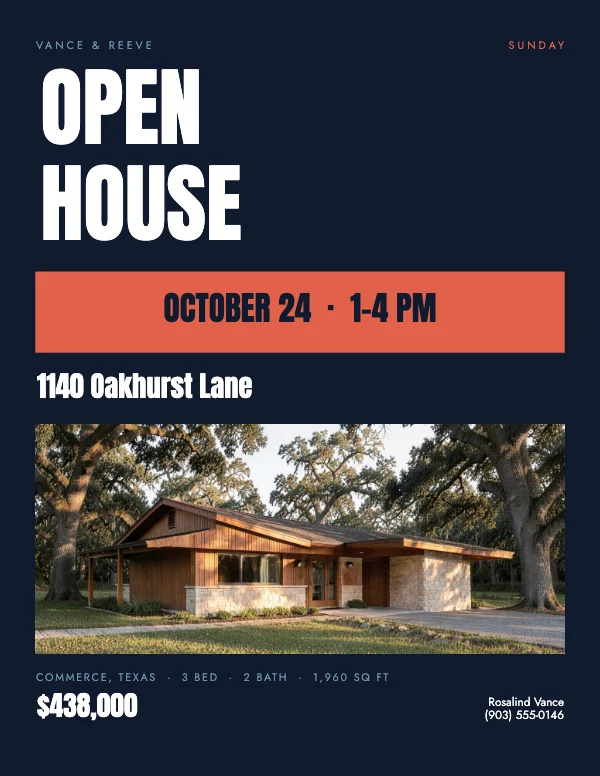
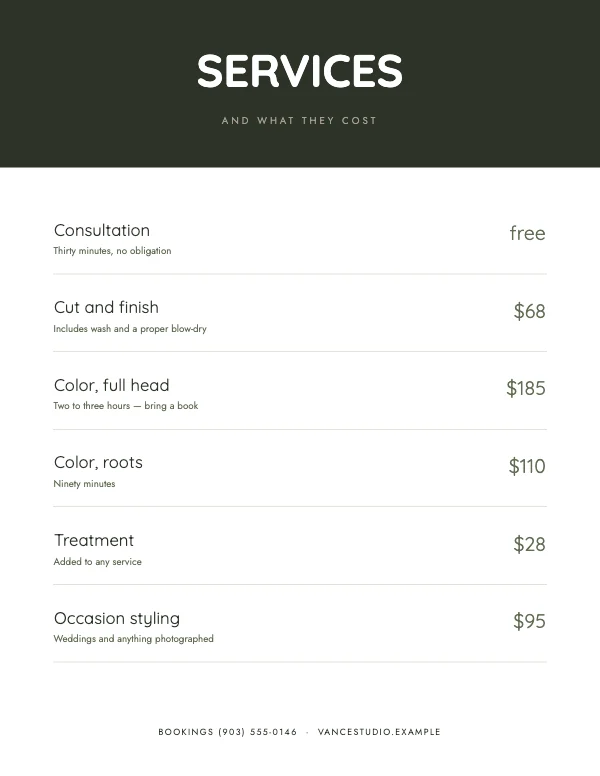
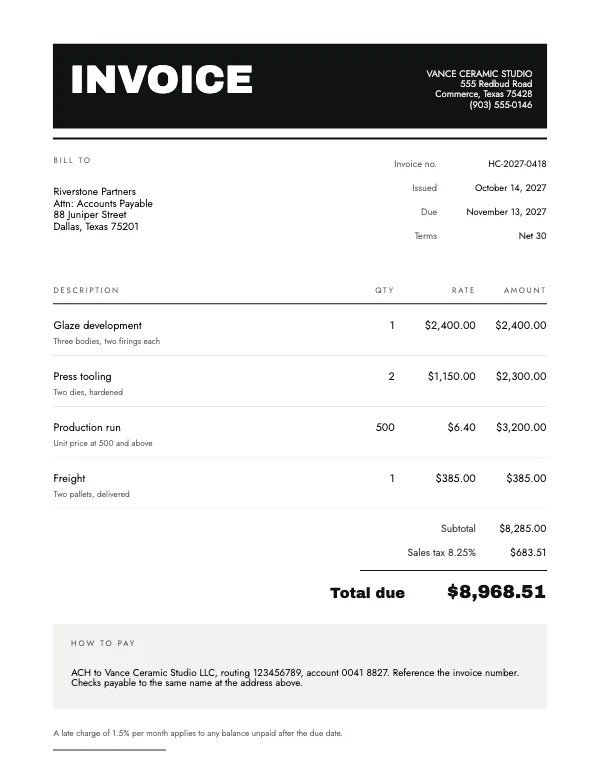
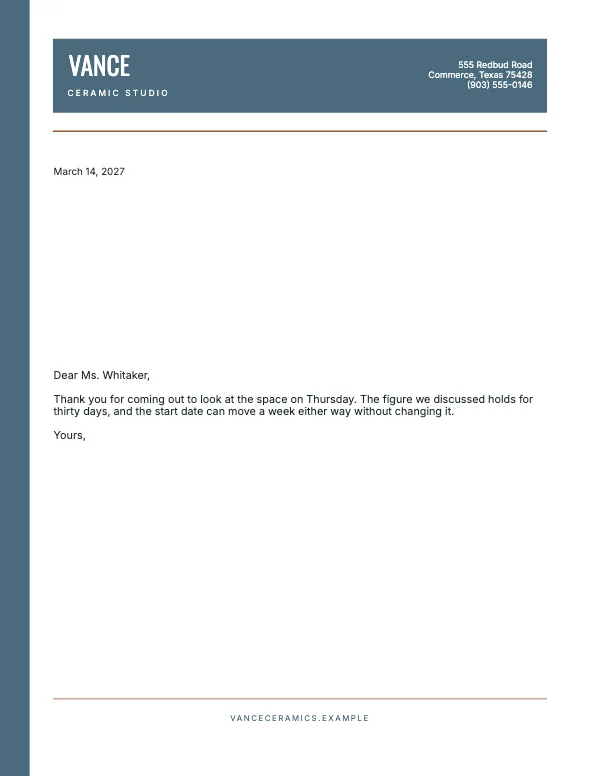
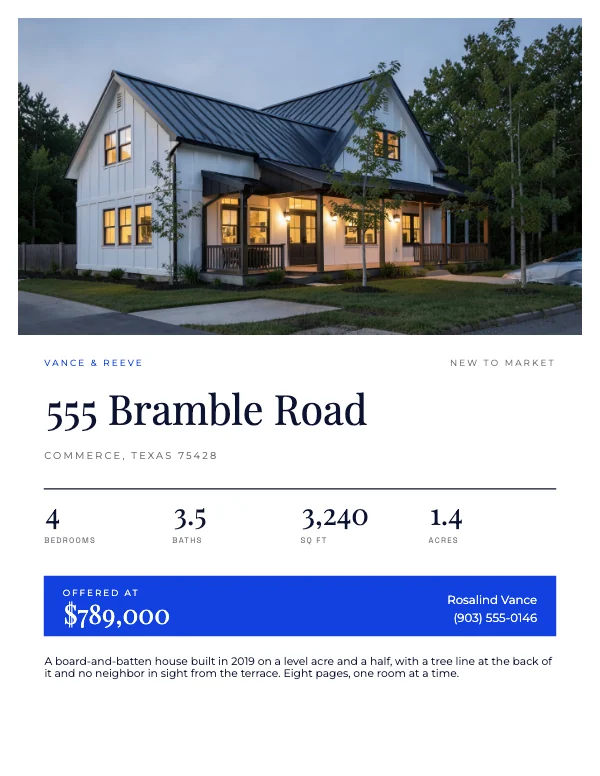
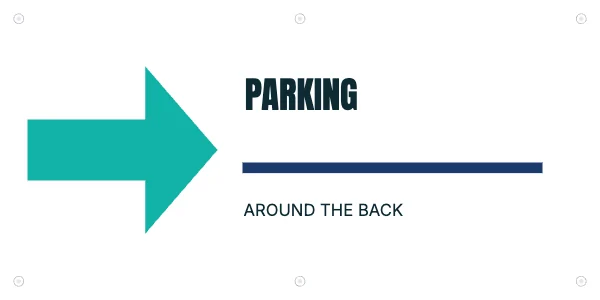
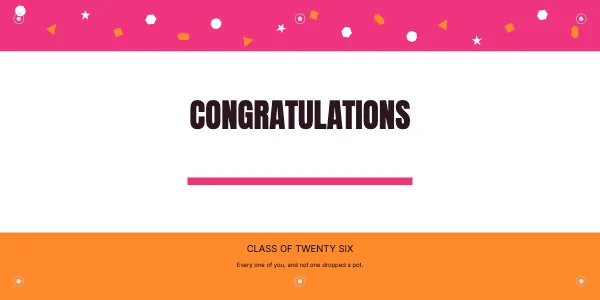
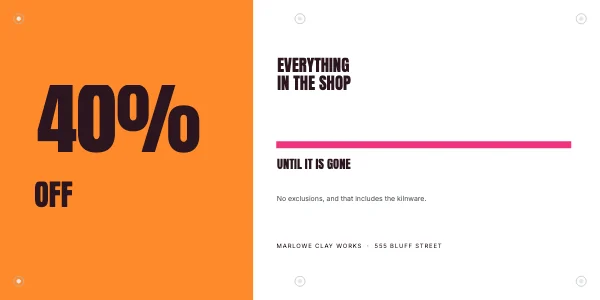
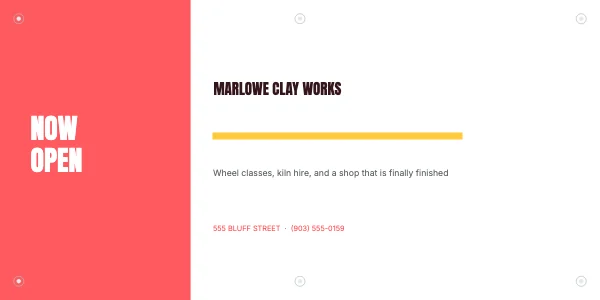

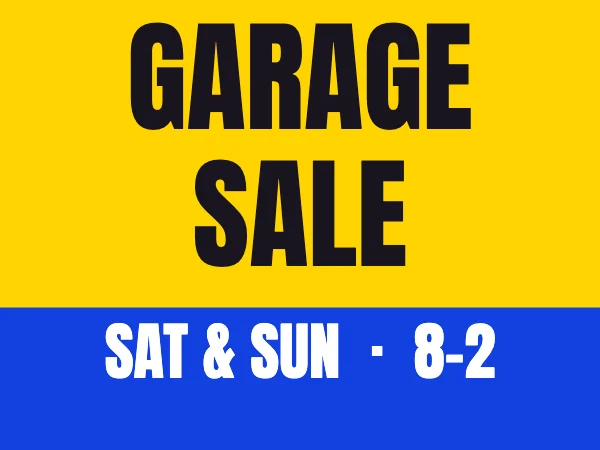
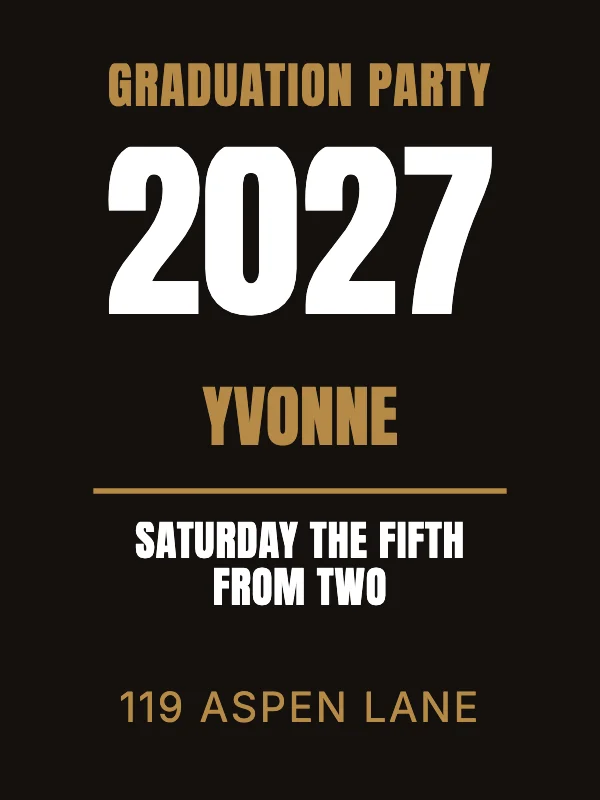
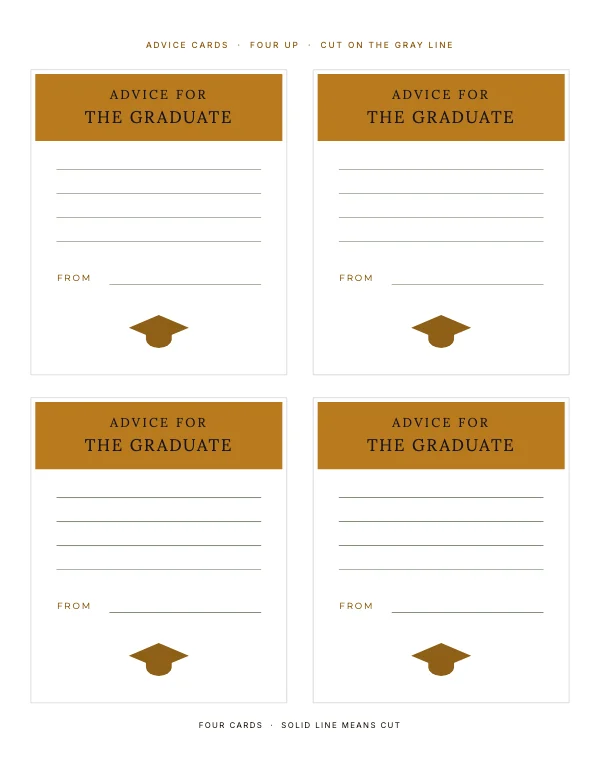
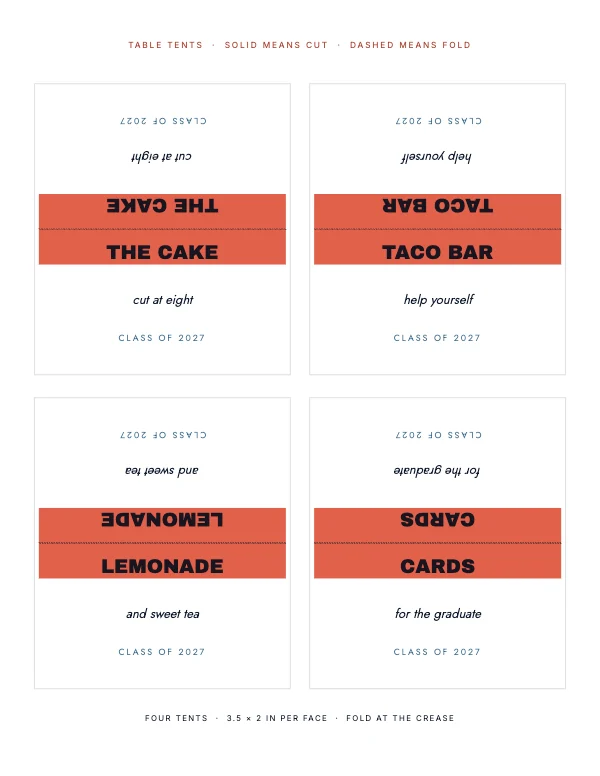
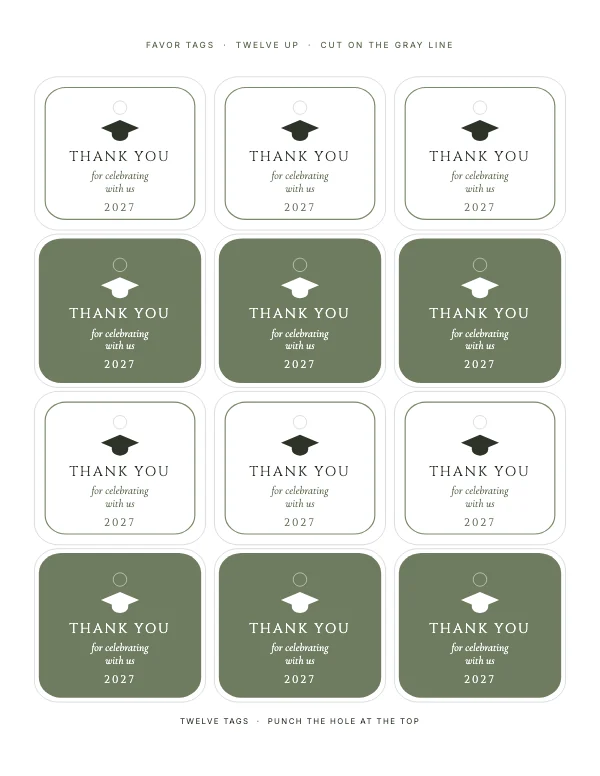
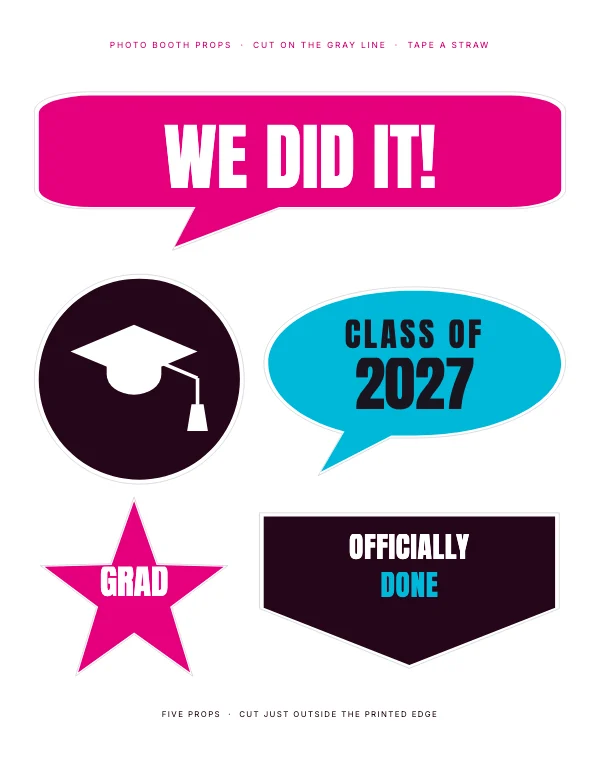
Or start from the size you were given
Most people arrive here holding a number, because somebody else chose it: the printer said 18 × 24, the frame is 11 × 14, Amazon said 6 × 9, the venue said tabloid. These pages start from the number.
Social Media
- YouTube Banner Templates1 template
- Facebook Event Templates2 templates
- Facebook Cover Templates1 template
- Etsy Shop Templates2 templates
- LinkedIn Banner Templates1 template
- X and Twitter Header Templates2 templates
- YouTube Thumbnail Templates1 template
- LinkedIn Post Templates1 template
- Instagram Carousel Templates2 templates
- Instagram Post Templates3 templates
- Instagram Story Templates4 templates
- Pinterest Pin Templates2 templates
- Profile Picture Templates1 template
Posters
- 24x36 Poster Templates4 templates
- 18x24 Poster Templates8 templates
- 12x18 Poster Templates2 templates
- 11x17 Poster Templates4 templates
- 8.5x11 Poster Templates3 templates
Yard Signs
- Construction and Contractor Sign Templates1 template
- Garage Sale Sign Templates1 template
- Now Hiring Sign Templates1 template
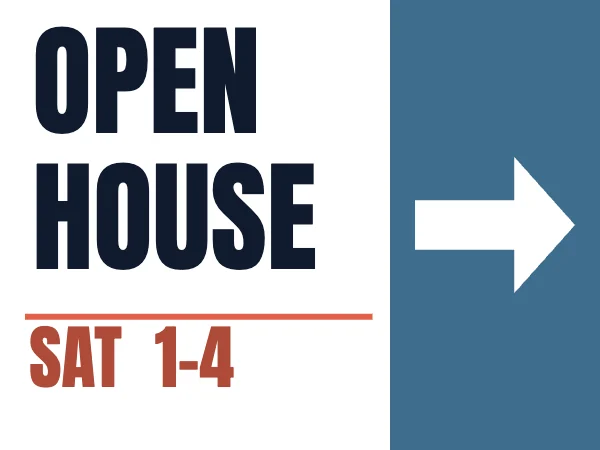
- Open House Sign Templates1 template
Book Covers
- 1600x2560 Kindle eBook Cover Templates2 templates
- 8.5x11 Book Cover Templates2 templates
- 6x9 Book Cover Templates7 templates
Invitations & Cards
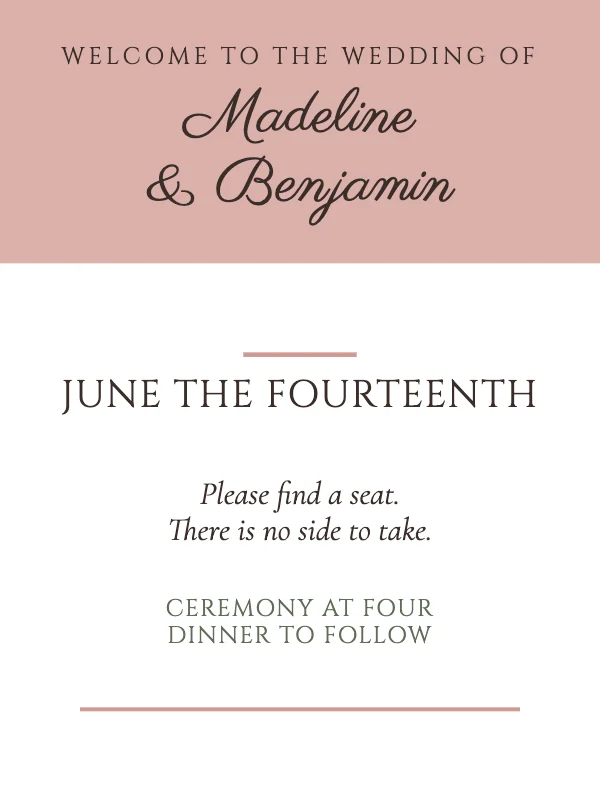
- 4x6 Invitation and Postcard Templates5 templates
- 5x7 Invitation Templates19 templates
- A2 Card Templates (4.25x5.5)3 templates
Wall Art
- 11x14 Wall Art Templates3 templates
- 8x10 Wall Art Templates3 templates
The three numbers on every template
Every template here publishes its trim size, its bleed and a DPI target, because those three decide whether a file prints correctly. What they mean, why the bleed is 0.125 inch, and why a 24 × 36 poster should not be built at 300 DPI are all on Print sizes explained — about two minutes, and worth it before you send anything to a shop.
What it costs
The studio opens with a free account, and there is no watermark on anything you export — ever. Laying out, editing, your own photographs, the element library, a starter set of templates and cloud saving with 5 GB of storage are on the free plan. The full template library, the print PDF with bleed and crop marks, the KDP export and 100 GB of storage will be on the paid plan. Whatever plan you are on, what you make is yours to publish and sell.
The paid plan is not open for sign-ups yet — nothing here is withheld in the meantime. When it opens it will be $12 a month or $99 a year with a 14-day trial. The current terms are on the plans page, and that page is the one to trust — this one is about the templates.
Questions
What does it cost?
Crevano is free to start. A free account, the studio, your own photographs, the element library, a starter set of templates and cloud saving with 5 GB of storage cost nothing, and there is no watermark on anything you export, ever. The full template library, a print PDF with bleed and crop marks, the KDP export and 100 GB of cloud storage will be on the paid plan. It is not open for sign-ups yet; when it opens it will be $12 a month or $99 a year with a 14-day trial.
Can I do this on my phone?
Browse here, yes — this page and every template on it read fine on a phone. The studio itself is built for a computer or a tablet: it lays out at real trim sizes, with guides and dragging to a fraction of an inch, and that wants a mouse or a tablet-sized screen. On a Mac or PC you can install it straight from the browser — no app store, no approval, no fee.
Can I sell what I make?
Yes. Anything you make in Crevano is yours to publish and sell — a book on Amazon, a listing on Etsy, print-on-demand, or work you hand to a client. No royalty, no credit, and the permission does not expire. That is true on the free plan as well as the paid one, and it stays true if you cancel.
What is not allowed is reselling our photographs and clip art as things in themselves — as packs, files, stock, or posters and mugs of our images. You may sell what you designed; you may not sell what we drew.
Which template should I start from if I am not sure?
The one at the size you need, not the one that looks closest to your idea. Changing colors, type and photographs takes minutes; changing the trim size after you have laid a page out moves every element on it. Pick the number first.
Where to go next
Put together an occasion
Every category
How printing works
Open any of these and it is already the right size. Bleed, margins and trim are set, and there is no watermark on anything you export — on any plan, ever.